Blog / Technical Guide
The Anatomy of a Photorealistic Product Render in Blender
Published February 2026 · Estimated read: 5 minutes
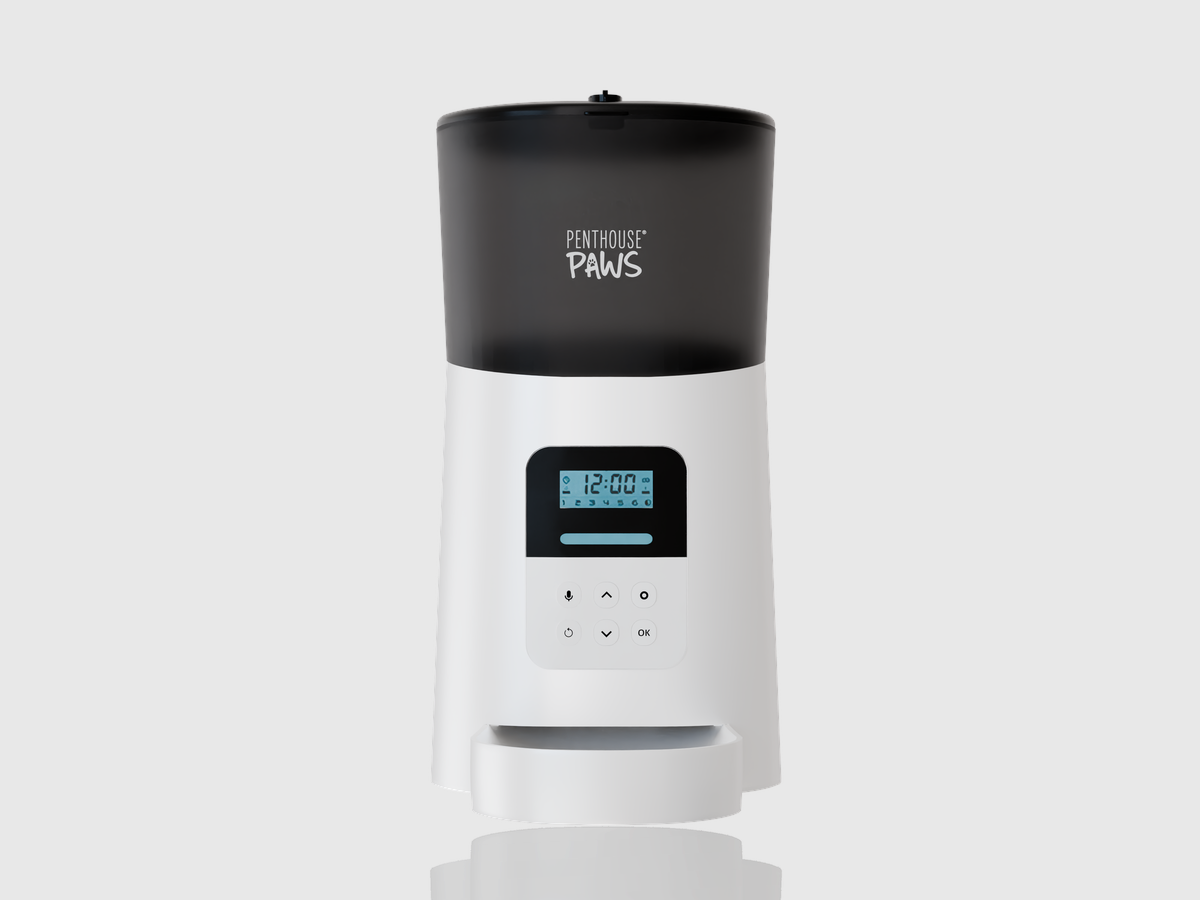
Creating a photorealistic product visualization requires more than just pushing a render button. It is a technical marriage of accurate CAD topology, physically-based material nodes, and meticulous studio lighting setups. This article explores the core principles of achieving a high-end commercial tech aesthetic within Blender.
Topology and CAD Optimization
The foundation of any structural product render is geometric accuracy. The standard pipeline involves importing raw engineering STEP files directly into the 3D workspace. However, industrial CAD data is notoriously dense. The primary step is topology optimization: stripping away non-visible internal electronics while strictly maintaining the absolute precision of exterior sweeps, chamfers, and fillets.
If a bevel is even a millimeter off scale, the subsequent lighting calculations will immediately betray the geometry as "artificial." Proper UV unwrap projection is also critical at this stage to prevent stretching when applying microscopic surface details.
Advanced Material Simulation
A digital product looks fake when its materials lack optical complexity. Simulating molded high-density polymers, for example, requires more than a simple glossy node. It necessitates an advanced refraction shader combined with sub-surface scattering (SSS) to mimic how photons penetrate and diffuse through translucent plastic layers.
For metallic elements like brushed stainless steel or anodized aluminum, the secret lies in anisotropic shading. Anisotropy stretches the specular highlights perpendicular to the microscopic grooves of the metal. Layering custom high-resolution roughness maps over these shaders ensures that the specular highlight breaks up naturally, reflecting real-world manufacturing tolerances.
Studio Lighting and Virtual Staging
Once the model and materials are optimized, lighting serves as the ultimate catalyst for realism. Modern commercial rendering favors the "clinical" tech aesthetic: staging the unit inside a virtual infinity-cove environment bathed in high-contrast directional lighting.
A standard setup utilizes large area lights acting as softboxes to establish broad, smooth gradients across curved surfaces, while precisely positioned rim-lights define the product's silhouette against the background. Using HDR (High Dynamic Range) textures on these light emission planes provides realistic falloff and natural specular reflections.
Core Principles
- Geometric Scale: Always model at 1:1 real-world scale to ensure physics-based lighting behaves correctly.
- Optical Depth: Utilize Sub-Surface Scattering (SSS) for any non-metallic organic or polymer material.
- Gradient Reflections: Employ large, feathered area lights to sculpt form through specular gradients, avoiding harsh point-light blasts.
Need product renders like these for your project?
Let's Talk